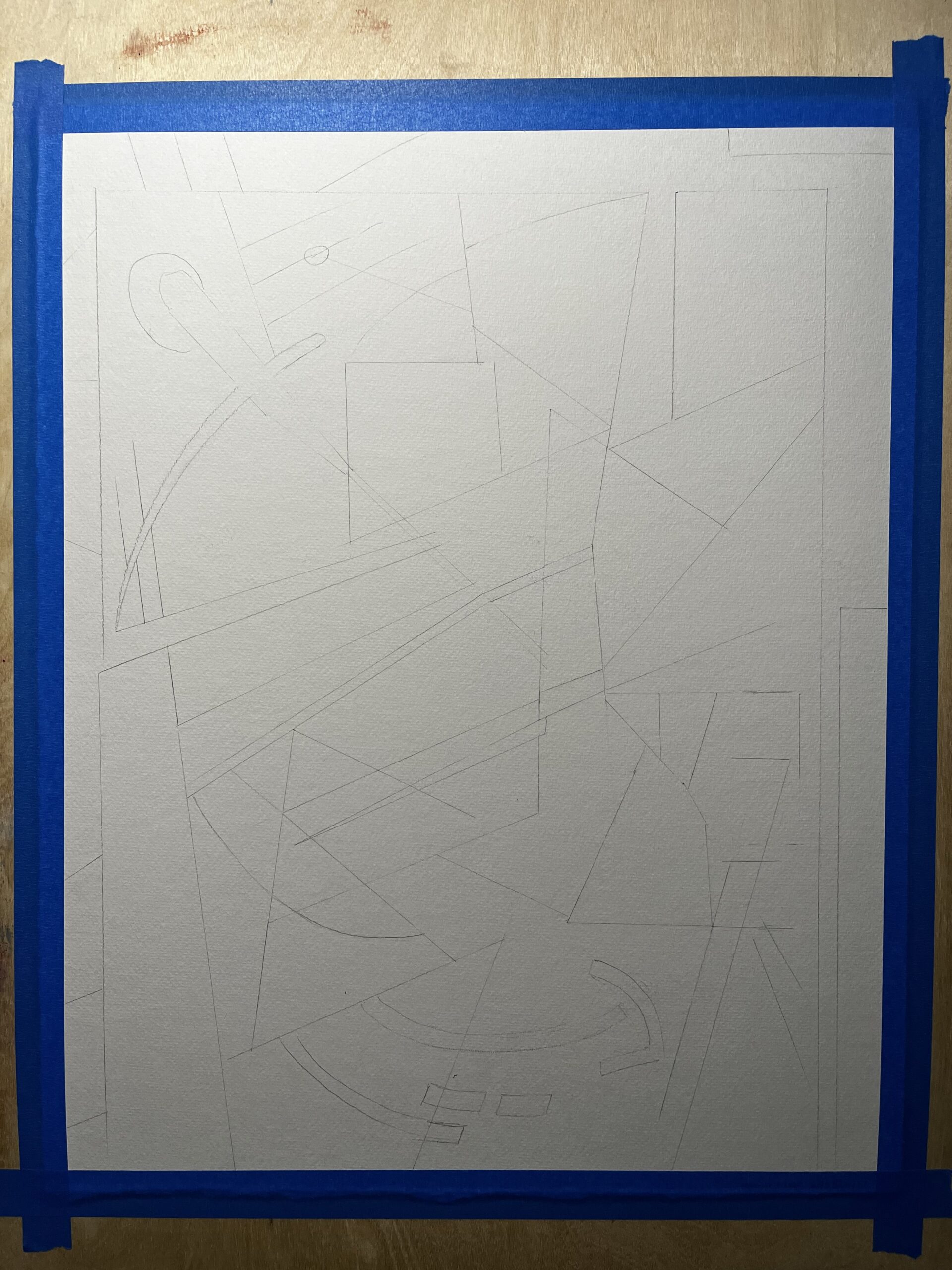
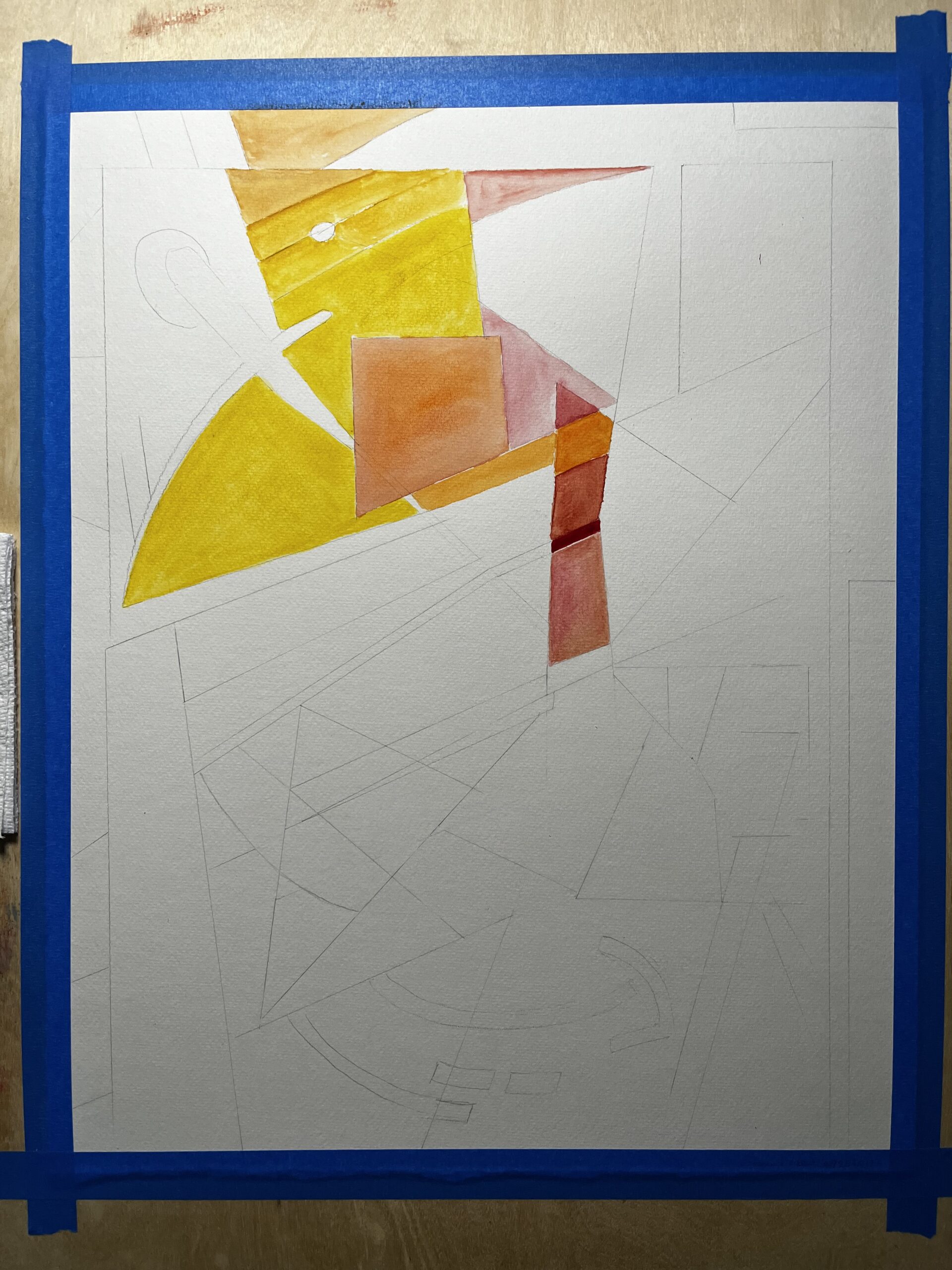
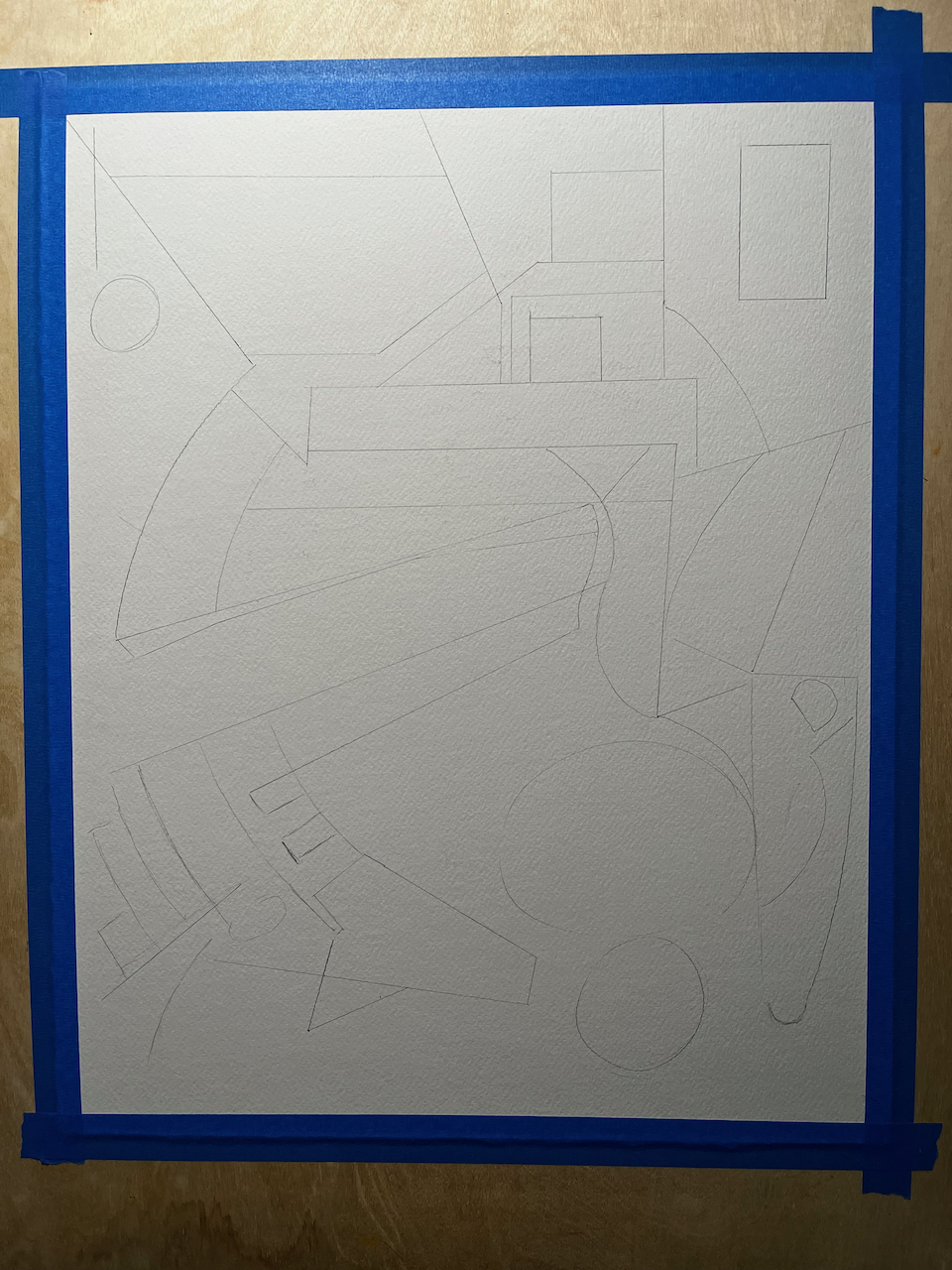
orchid brushes.app painting
I wanted to make a piece of art for my anniversary card to my wife, so this year I used brushes.app on my iPad to paint (?) this set of orchids. I really like the reasonable limitations and extremely flexible set of tools. I went through the tutorial a while back and started remembering the color blending a ways into this piece. I’d done several pieces of abstract work as per my normal mode in brushes.app, so doing something representational was something new for me. I guess. I do some representational works; mostly seascapes… so this turned out pretty ok given that it’s just not what I normally do.
orchid digital painting from stevecooley on Vimeo.
I had a hell of a time with this so-called-free epson printer, wasting a precious hour on changing ink and reading about how lame that is given the amount of ink left in the “empty” cartridge. Sigh. I have another “Free” canon printer/scanner sitting right next to the epson, and not only did it fire up right away, but it had full ink carts, zero clogged nozzles, and printed out a *beautiful* 4×6 glossy print for me on the first try. Whew. Anniversary card project successful.
iFontMaker and what I’ve made so far with it
I’m a hobbyist typographer. The first piece of commercial software I bought with my own money was Altsys’ Fontographer. (aside: I just checked, and a new company is selling an updated version, and for quite a bit of money. )
Anyway, as a youngster interested in fonts, I produced a small handful of typefaces that I updated as needed. Many years later I found into what we now call FontForge and managed to produce a typeface or two. While the application itself is the right price (open source and free) and extremely full featured, the unix/X11 interface was new for me, so I had a learning curve to overcome to finish anything. More recently, my interest was raised again by FontStruct. I produced several typefaces, most notably for me was netlabel square ends with 1104 glyphs drawn.
Most recently, the iPad has opened up another opportunity to create typefaces with the reasonably priced iFontMaker. I love this app. It’s awesome. Here’s a demo video they just released:
It’s so easy and fun to use, that I’ve produced these so far.

Download Cooley Questionable Sans

Download Cooley Greeting Card Serif

Download Cooley Greeting Card Sans

Download Cooley Inconsistent Double

Download Cooley Slowball … or not.

Download Cooley Aloha, although this is a work in progress
blacktoe cnc usage: silicone casting mold
alrighty, then.. so I’m starting to get my bearings with how all the software works to run jobs through the blacktoe CNC router. I switched from cambam over to sheetcam and now I’m getting really good results. There’s still a certain amount of strangeness, probably all my fault, so I’m still learning what works and what doesn’t. Here’s a video I did to show how the blacktoe does with machinable wax:
The end result is a mold to use for casting translucent silicone into for use in my beatseqr project, as a replacement for the hand-cut-and-sanded acrylic buttons that I’m currently using. You never know how an experiment will really go until it’s over, and now that this experiment is over, I’ve learned a lot and will make a bunch of adjustments:
1. change the silicone product from tap plastics platinum cure translucent (way too wobbly for this application) to smooth-on sorta clear 40. I saw this product at the Maker Faire this past weekend and really liked the firm quality of the cured product. I think it will be a really good candidate. Smooth-on dragon skin 30 was my second-best candidate.
2. cut a new button mold using the techniques I’ve learned by doing this one.
3. adjust the height of the button to be not as tall as this test.
4. adjust the flashing surrounding the buttons to be not nearly as tall. I had it set to be 0.1″ tall, and that’s probably 0.08″ too much. all I need is for it to basically be thick enough to keep all of the buttons together, and that’s it.
5. think about how to diffuse the LED light going into the button… this new silicone is water-clear… so … I’ll need a way to adjust that quality so it looks good. maybe just a sheet of paper under the silicone flashing… we’ll see how that goes.
So… progress continues. I’ll post the result of the next prototype when it’s done.
CNC decision: Blacktoe 2′x4′
Welp, I decided on which CNC rig to go with. I wanted to keep my options open for the future, so I decided to go with a bigger rig than I had originally planned on committing to. I decided that I could commit several continuous days in a row to assembly, setting up a major section of my garage, and purchasing a couple-few extra things to accommodate the buildyourcnc.com Blacktoe 2×4.
Here’s the timelapse of the build:
Here’s the first run:
And here’s the first real job I ran with it:
Woohoo! Very happy!
epic newbie CNC comparison chart
After inquiring around about prices for lasers, I’m coming to the realization that maybe what I need isn’t a laser but a CNC rig. I’m lucky to live near enough to Techshop that making the occasional drive up there is doable, but not a sustainable ongoing possibility with my family time needs. So take a look at the research I’ve done into who the top contenders for desktop CNC could be for an almost total n00b to the sport.
Alright, so I know the G-code exists and that most every interesting machine that I want to work with understands how to work with that, so now it’s up to me to complete the equation. This list isn’t meant to be exhaustive, and by no means am I an expert on the topic, but based on what I could digest from their websites, this is what I took away from it all. When I priced things to be as ready to run as possible starting with no previous equipment, here’s the ballpark figures:
| machine | x | y | z | priced ready to run |
notes | link |
|---|---|---|---|---|---|---|
| DIY! | ? | ? | ? | $100 to $1,000 |
while the price may be right, the time and skill involved just don’t make this an attractive option for me right now. Don’t let my schedule and skill stop YOU though. | click here |
| Lumenlab MicRo | 10″ | 12″ | 2.75″ | ~$2,143 + software |
I’ve known this company since I made my LCD projector, so it was interesting to see them move into this arena. Honestly, though, details are sparse. Their blog about the build is just weird. Make a formal demo video, guys. | click here |
| Probotix FireBall V90 | 12″ | 18″ | 3″ | $1,174 + router + software |
This inexpensive unit won an award at the Maker Faire Austin, so that seems to bode well. There seem to be a lot of parts that you can add on, which seems to indicate that it’s not as turnkey as I’m looking for. If you already have steppers and are looking for a solid new gantry bed, maybe this would work well for you. That’s just not me yet. | click here |
| Buildyourcnc.com’s bluechick cnc | 12″ | 24″ | ? | $1,465 + router + software |
If you have more time than money, this unit seems like a *stellar* system to check out. The fit and finish isn’t the point here, it’s inexpensive and customizable. | click here |
| Buildyourcnc.com’s blacktoe cnc | 24″ | 48″ (!) | 5 7/8″ (!!) | $2,300 + tools + software |
Holy crap, look at that. Bad. Ass. I don’t know where else you’ll find that big of a CNC rig for that price. Now, it requires a lot of assembly, but their extensive library of videos on that topic should help. I’ve been studying this machine all week and I’m drooling over how nice it seems. It can accommodate a real router, not just a trim router. It’s huge. And cheap. | click here |
| Next Wave Automation’s Shark cnc | 13″ | 24″ | 4.5″ | $2,800 all inclusive |
This unit comes in a bit more expensive than the others, but three things I like about it. 1. it ships ready to run with software, 2. assembly apparently consists of 12 bolts, period. 3. Rockler sells it, so that probably means it’s a high quality tool. | click here |
| Next Wave Automation’s Shark Pro cnc | 24″ | 24″ | 4.25″ | $3,800 all inclusive |
This unit is the bigger version of the above unit. the extra $1,000 gets you almost twice the width and apparently “more power”. It also ships with software and presumably is the same 12 bolt assembly. The reviews I read for the smaller unit were all positive with one person saying “I just wish I’d gotten the bigger one” which makes me just wonder if I’d end up there too. If you’re in for $2,800 … I dunno. maybe. | click here |
| Craftsman Compucarve Woodcraft CarveWright |
12 feet! | 14.5″ | 5″ | $1,500 to $1,900 |
These are somewhat intriguing. I’m a little skeptical of the feed table, but maybe it’s ok. I dunno. I just… don’t know. These do have some built-in functions like cross cut, rip, and jointing. And a proprietary, but nice, quick tool change technology. Reviews seem mixed. Update: No G-Code import of any kind, and no plans to add that. So it’s a closed system with their own bits and software. Definitely a carving-centric hobby machine. | click here |
These prices assume you already have a computer… duh. And they don’t really take the cost of software into consideration, which is probably ok because there are a lot of software packages out there so I’ve heard. They do different things and cost different amounts of money… so it’s hard to factor it in easily. The other thing I haven’t factored in here is speed. And because I’m inexperienced, I don’t really know how to gauge that, other than to see that the Blacktoe is fast as hell. Ok, so I get that these machines all have an “inch per minute” speed rating… I would suspect it would also depend on 1. your router, 2. your gcode, and 3. the material you’re milling… so given those parameters, what does “high speed traverse” mean? Just how fast the machine does what it needs to do when it’s not doing a cutting maneuver? That’s my best guess.
So, those are the current contenders. Did I miss anything substantial? Leave a comment and let’s get it on the chart.
digesting the iPad backlash
There’s been an awful lot of hand wringing from some extraordinary minds about the “direction” of software because of the iPad. I’ve also been thinking a lot about the iPad, but in the other direction than most of the hand wringers.
1. They want all the highest technology, design elegance, thoughtful attention to detail, tried and true connectivity and sync ability of Apple designed hardware, but keep your filthy hands off their code! Hey, remember when Apple didn’t let you develop for the iPhone OS at all? Go try developing for the Playstation and see how cheap and easy that is for you. Developing for the iPhone OS is really inexpensive relative to other “nearly closed” platforms.
2. They want access to the largest possible audience, promotion, effortless infrastructure, simple credit card transactions, and user reviews. But not any kind of code review to make sure they’re not hiding functionality or exposing their users to risk. I believe Apple would call this “protecting the Brand” It’s probably good to remember that as a developer, you’re an invited guest piggy-backing onto their hard work. If you want to be associated with the Apple brand, you have to enhance the user’s experience, period.
3. They say absolutely nothing about what keeping the villains out costs. Or what the benefit is. Because apple’s done a good job of locking down the iphone to widespread hacking by black hats, they seem to view banishment of stupid apps as some kind of crime against humanity. Remember this fake banking android app? Yikes. Adhering to contractual obligations may not be something they’ll really take into consideration while complaining about developing for the iPhone OS, but Apple must take steps to ensure that some stupidhead (or malicious) 3rd party doesn’t screw everything up for everyone. Secondarily, keeping stupid apps out helps increase the discoverability of your app. Reducing the noise from the signal is *good*.
4. They complain about the app store being the only way to install software. Having an app store significantly reduces developer support time for installation and configuration to the end user. If you’ve never had to do that, you’re lucky. Having a zero-configuration installation process frees you up to spend your time building your next great app instead of having to help your mom get your app installed on her iPod Touch. No matter how simple a manual installation process would be, time spent helping your users install is time away from you making your next revenue stream.
5. They complain about all of these things like the rest of the world is going to instantly adopt this methodology of software development and deployment. That’s simply not the truth. Developing for the iPhone OS is *optional*, folks. Some people seem to give off the impression that Apple is forcing them to develop for the platform. It sounds silly to even have to point it out. We will never live in a world where you will be denied access to development tools for a tinkering platform. Honestly, it’s preposterous.
The end result is that Apple doesn’t have to justify the costs to join the developer program, or the procedures. You either grow up and realize that the marketplace revolves around rules — not trust, or you can go play in your own sand box. If you hate the rules, just wait a few years while the rest of the industry slowly does their inevitable imitation act, and then you can deploy your cool idea onto a platform for like minded people. I’m choosing the biggest market and the rules that come with it. It’s just not that hard to deal with.
So this “war against tinkerers” rings completely hollow for me. The iPhone OS is for when you’re *not* at your desktop or laptop. Not *instead* of your desktop or laptop. If you can use the iPad instead of a desktop/laptop, you probably don’t care about this debate anyway. You’re not a tinkerer. You’re a consumer. If you’re a self-identified-tinkerer, you’re going to use producer tools, not consumer access devices.
sCCweet! a midi CC randomizer
Hey, so I’ve been super busy with lots of cool stuff. I’m working on the Beatseqr project, and I’m also putting that to work with my band Haptic Synapses. And along with those projects, I’ve been building some interesting tools with Max/MSP. Here’s one that I’m calling “sCCweet!” and in this particular instance, I’ve tuned it to work on Reason’s Malström synth. (You can either say that as “skweet” or “schweet” depending on which kind of person you are.)

click through to see the quicktime movie with audio
So… why? Well, a lot of modern soft synths have a randomizer function, but Propellerhead doesn’t follow market trends. They try to influence them.. sometimes to a good affect, and sometimes to the effect of going in the wrong direction of the rest of us. Reason has some really awesome sounding synths, it’s just kind of… funky… about a lot of stuff. So you can either choose to accept the Reason reality as a foregone conclusion, or make your own reality. I prefer to make my own.
Anyone interested in getting a copy of the max patch that does this? It’s not limited to working with Reason, it can work with anything that uses midi CC messages. Leave a comment!
AirDeck at Mojo’s Dojo
hey, check out what my friend Joel has been up to using a wiimote and infrared LEDs: a virtual theremin with DJ scratching ability!
beatseqr v1 on display
On display at Heart Of Chaos – “Uproar 2009″ show at first street billiards: