This seemed inevitable.
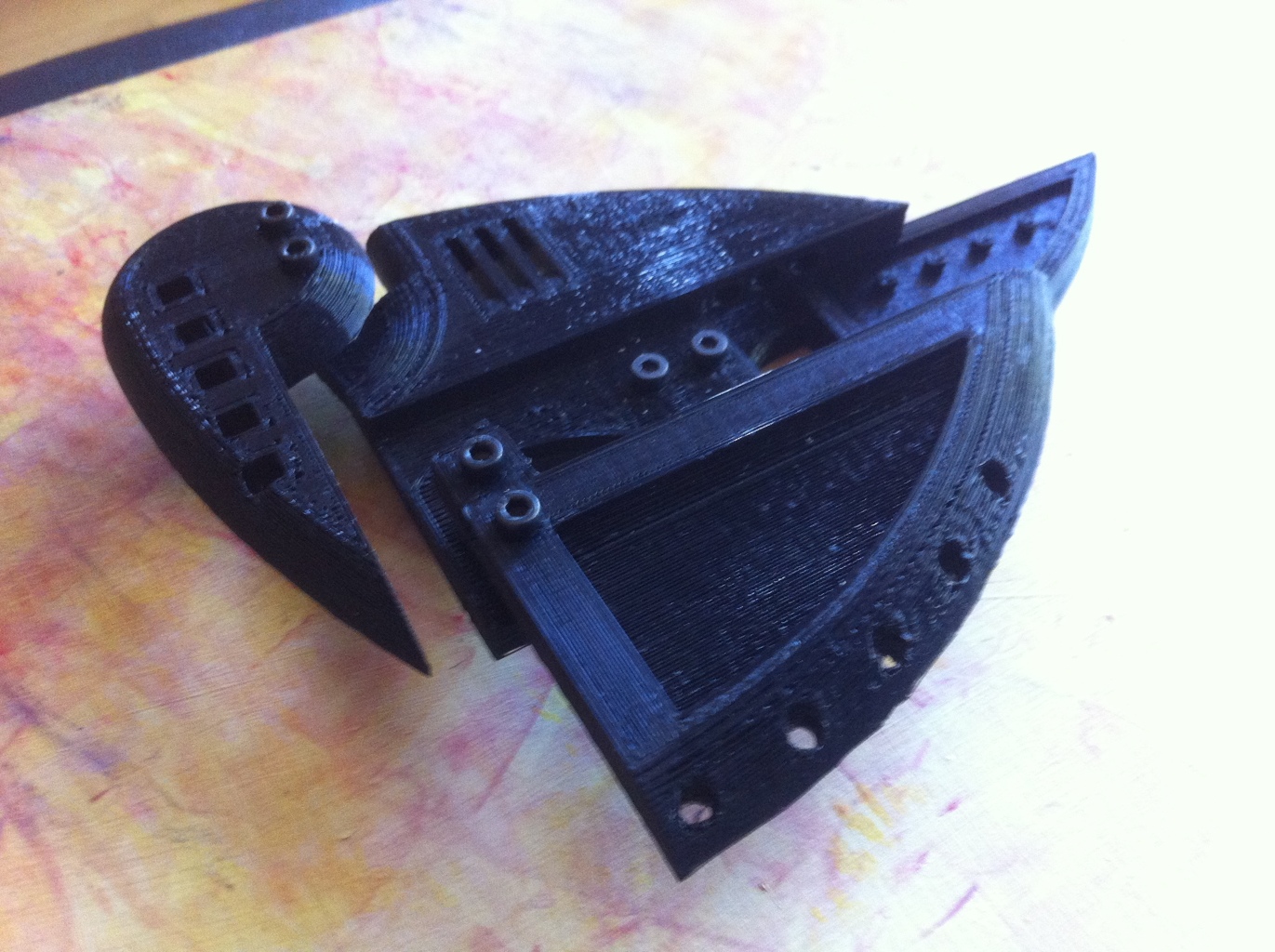
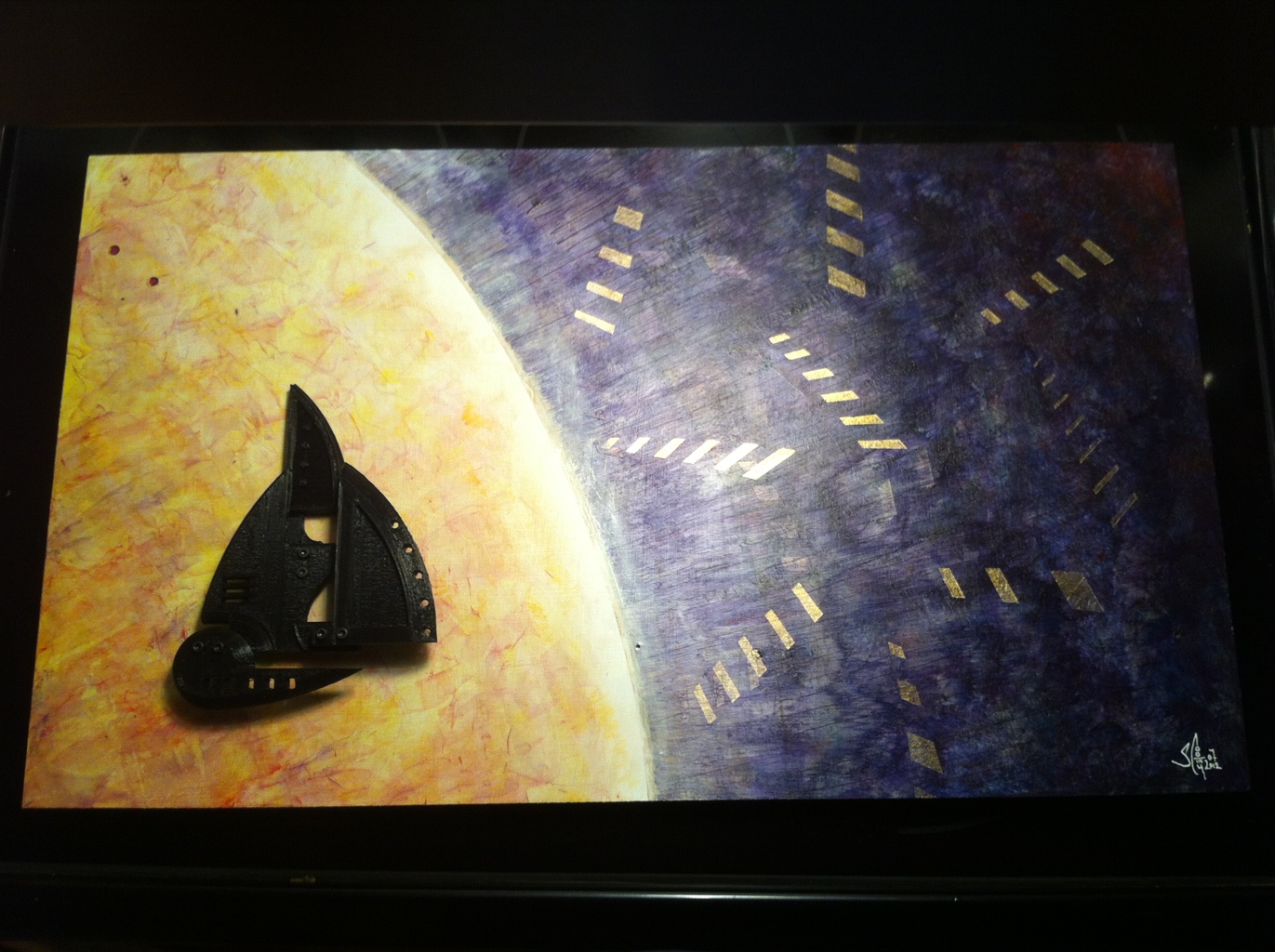
this is the piece of art I donated for the 2012 Art auction for works/san jose. it is 24″x12″ acrylic on hardboard with 3d printed polylactic acid.
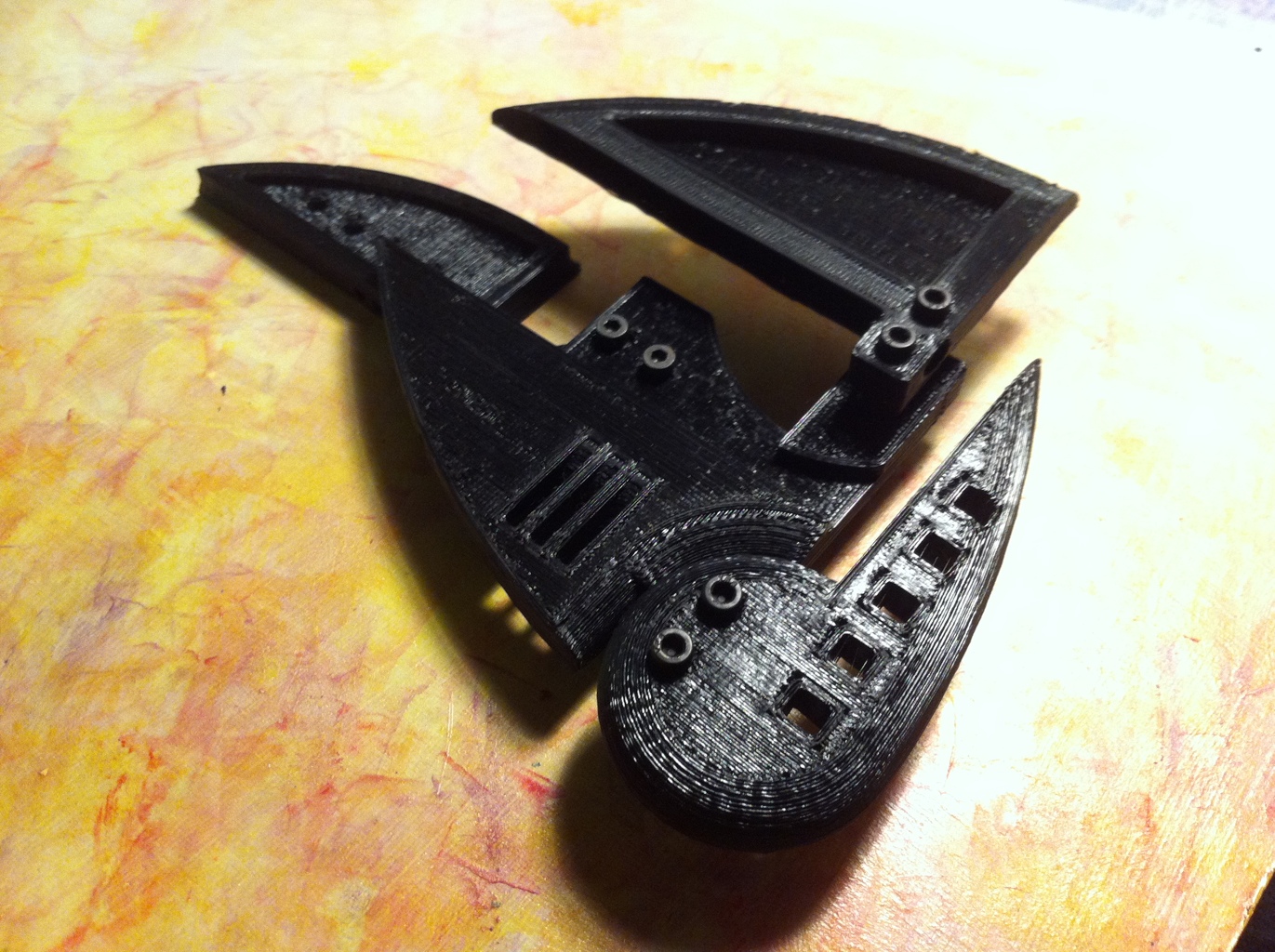
Usually, I post stuff about what I’m up to with my art projects. I’ve been spending the vast majority of my free time on Beatseqr. One of the primary tools I use to fabricate them is my CNC router. Recently, I added a vertical attachment mount for a dremel tool. That did get me thinking about other uses for my cnc machine. Benjamin Grosser has taken it to its logical conclusion. I love it!! All this does it make me think about more ideas, so Well Done, Ben.
http://bengrosser.com/projects/interactive-robotic-painting-machine/
Interactive Robotic Painting Machine (2011) from benjamin grosser on Vimeo.
I’ll be honest, I’m doing things in quartz composer and processing that I wish I could do on the canvas. So maybe I should follow Ben’s lead. The unspoken lessons here are: 1. set your expectations low on the resolution of the resulting product, especially if you want to cover the canvas without it taking all day. 2. Don’t worry about cleaning the brush. 3. Do worry about the fluid viscosity of the media. 4. love the result for what it is now. Let the historians decide if it’s good or not. The process is awesome, and that’s worth a lot to me.
Every week, seems like there’s some new awesome tool to make the iPad a tool for creative outlet.
I just picked up ArtRage for the iPad, and it’s pretty awesome. I’ve already been on a major cat-drawing kick lately, so when this new natural-media style drawing/painting app became available, I dove right in with this:

Brushes app is another great tool for drawing/painting on the iPad. Here’s an example, although you’ll find another piece I did further down in my posts of some orchids that also show off what brushes app can do.

So far, there are some really great apps out there for the iPad that have one or two great features that make them useful. I think there’s still a perfect storm of features that I want to see.
1. Natural media synthesis/mimicking — artrage
2. record all brush strokes and actions for playback for either movie or high res render on a desktop machine – brushes.app
3. remote palette with ipad, iphone, or desktop.. one of them anyway. I have all three, let me use one of them that I’m not drawing with to be the utility space so I can focus on drawing on the drawing space. Remote Palette
These apps are fun to use, and I’m going to keep using them. The reality is that these are great apps to use for illustrations and for fine art if you’re going to display them online. Prints from digital art just don’t have the marketability like actual paintings, so the destination for these pieces has to be different. When you see covers of magazines being done with these types of apps, yes, that’s exactly where you can make some money being an expert at using iPad painting apps. Doing live portraiture using an iPad, yes. Using the iPad with a painting app to do a plein air sketch to use as reference back in your studio… perfect. The utility of using the iPad for fine art is there. No question in my mind. It’s just not a straight A to B type of path. Chances are good that you’re just not going to make a living as a fine artist using digital tools exclusively… so you need to figure out where the career path is using digital tools, AND/or keep using traditional media. “AND”… as in… do both. These digital tools are really cool. And so is having an actual painting that you painted without a computer. Do both.
I wanted to make a piece of art for my anniversary card to my wife, so this year I used brushes.app on my iPad to paint (?) this set of orchids. I really like the reasonable limitations and extremely flexible set of tools. I went through the tutorial a while back and started remembering the color blending a ways into this piece. I’d done several pieces of abstract work as per my normal mode in brushes.app, so doing something representational was something new for me. I guess. I do some representational works; mostly seascapes… so this turned out pretty ok given that it’s just not what I normally do. 
orchid digital painting from stevecooley on Vimeo.
I had a hell of a time with this so-called-free epson printer, wasting a precious hour on changing ink and reading about how lame that is given the amount of ink left in the “empty” cartridge. Sigh. I have another “Free” canon printer/scanner sitting right next to the epson, and not only did it fire up right away, but it had full ink carts, zero clogged nozzles, and printed out a *beautiful* 4×6 glossy print for me on the first try. Whew. Anniversary card project successful.